
Returns that stay linked
to the original order.Returns that stay linked to the original order.
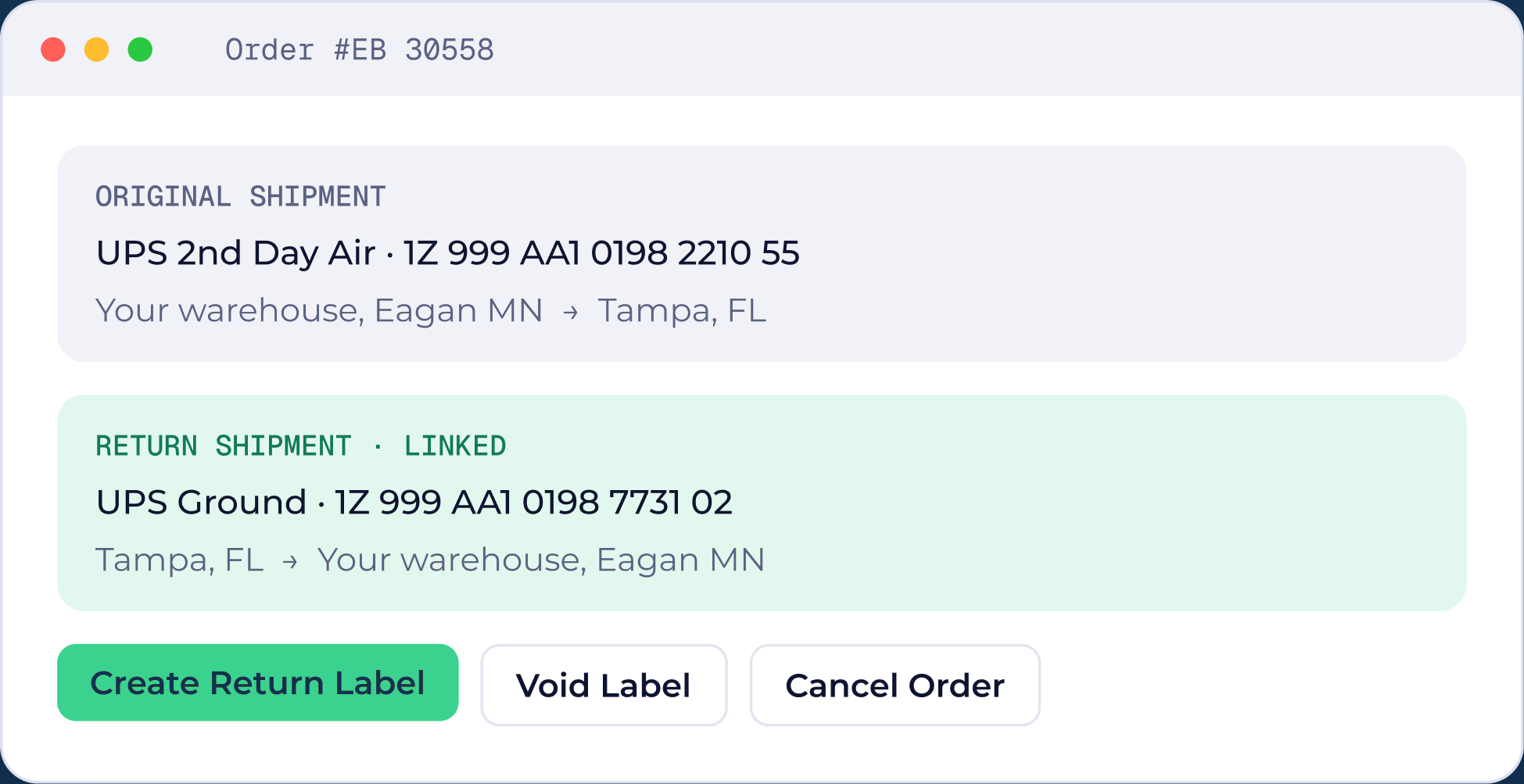
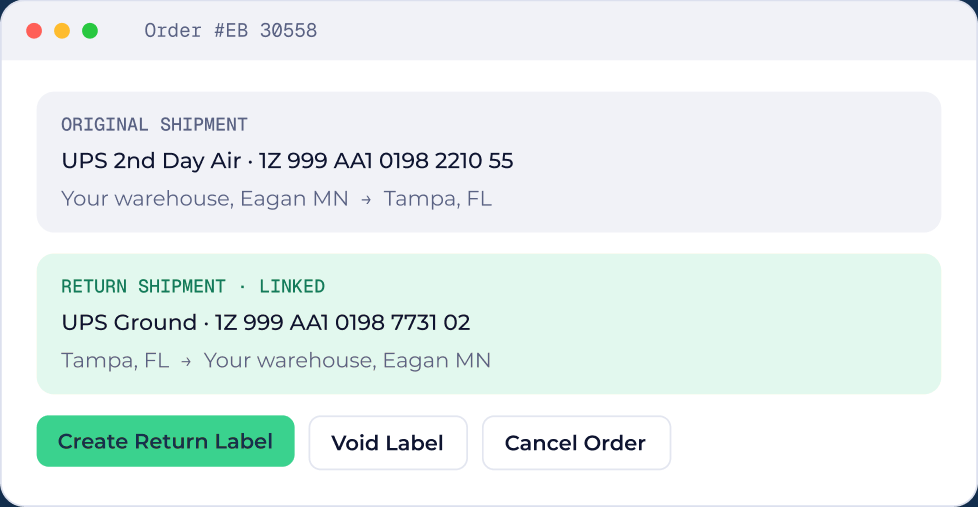
Create a return label from the original shipment and keep both together, from the buyer’s door back to your warehouse.

How it works
Three steps, no training.
Open the order
The original shipment, carrier and tracking number are already there.
Create a return label
The return shipment is linked to the original, with its own tracking.
Track it back
Returned orders sit in their own status, so nothing gets lost.
Open the order
The original shipment and tracking are already there.
Create a return label
Linked to the original, with its own tracking.
Track it back
Returned orders sit in their own status.
Why teams use it
Small change, big difference on the floor.

Linked to the original
Linked to the original
The return and the original shipment live on the same order.Return and original live on the same order.

Your own carrier accounts
Your own carrier accounts
Return labels use the carrier accounts you connected in Carrier Settings.Return labels use the carrier accounts you connected.

Void or cancel in place
Void or cancel in place
Void a label or cancel an order from the same screen.From the same screen.

A Returned status
A Returned status
Returns have their own lane on Shipments, separate from new orders.Returns have their own lane on Shipments.
Questions
Returns questions.
On the order itself. Create Return Label swaps the ship-from and ship-to addresses and keeps the return linked to the original shipment.
More from ShipNest.

Rate shopping
Live rates from your own carrier accounts.
Compare live rates on your own carrier accounts →
Automation rules
If-then rules that pick the service for you.
Let rules choose the carrier service →
Scan to verify
A scan for every box before pickup.
Every box scanned before pickup →
PrintWise
PDF and ZPL printing on Windows.
Print PDF and ZPL labels on Windows →
See ShipNest in 20 minutes.
A live walkthrough of ShipNest, from new order to scanned box, with time for your questions.