
Every carrier’s rate,
before you buy the label.Every carrier’s rate, before you buy the label.
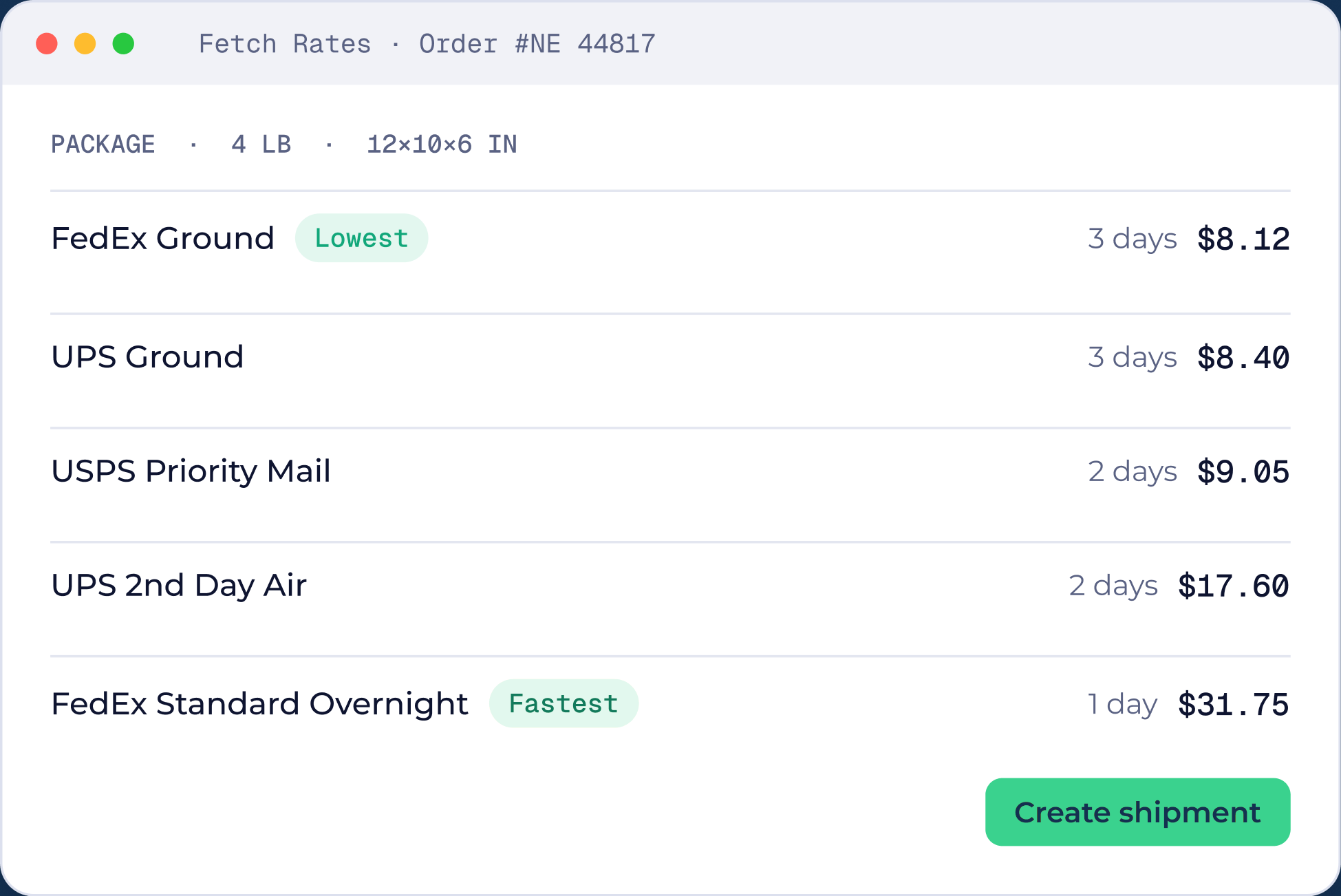
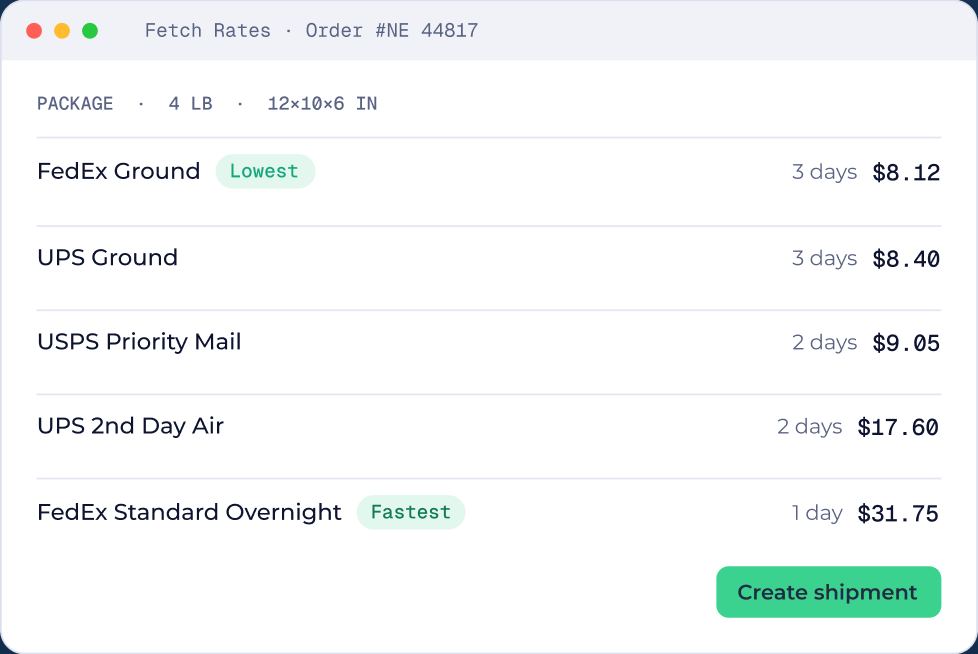
Compare live UPS, FedEx and USPS rates from your own accounts on every shipment, with the lowest and fastest options flagged.Compare live UPS, FedEx and USPS rates from your own accounts, with the lowest and fastest options flagged.

How it works
Three steps, no training.
Open a shipment
Weight and size come from the order or from your custom packages.
Fetch rates
ShipNest asks UPS, FedEx and USPS for live rates on your own accounts.
Pick and create
Choose the lowest, the fastest or anything in between, then create the shipment.
Open a shipment
Weight and size come from the order or your custom packages.
Fetch rates
ShipNest asks UPS, FedEx and USPS for live rates on your accounts.
Pick and create
Choose the lowest, the fastest or anything in between.
Why teams use it
Small change, big difference on the floor.

Your negotiated rates
Your negotiated rates
You connect your own carrier accounts, so the rates you see are the rates you agreed.The rates you see are the rates you agreed.

Lowest and fastest flagged
Lowest and fastest flagged
The cheapest and quickest options are marked, so nobody has to compare by eye.Nobody has to compare by eye.

A rate for every package
A rate for every package
Multi package orders get a rate for each box, not a guess for the whole order.Multi package orders get a rate for each box.

Hands off with rules
Hands off with rules
Let automation rules pick the service for orders that always ship the same way.Automation rules can pick the service for you.
Questions
Rate shopping questions.
Yes. Connect UPS, FedEx and USPS in Carrier Settings and ShipNest uses your accounts and your rates.Yes. Connect them in Carrier Settings.


See ShipNest in 20 minutes.
A live walkthrough of ShipNest, from new order to scanned box, with time for your questions.