
Set the rule once.
Every order follows it.Set the rule once. Every order follows it.
Build if-then rules on marketplace, weight and more to validate orders, choose packages and pick the shipping service automatically.If-then rules on marketplace, weight and more to validate orders, choose packages and pick the service automatically.

How it works
Three steps, no training.
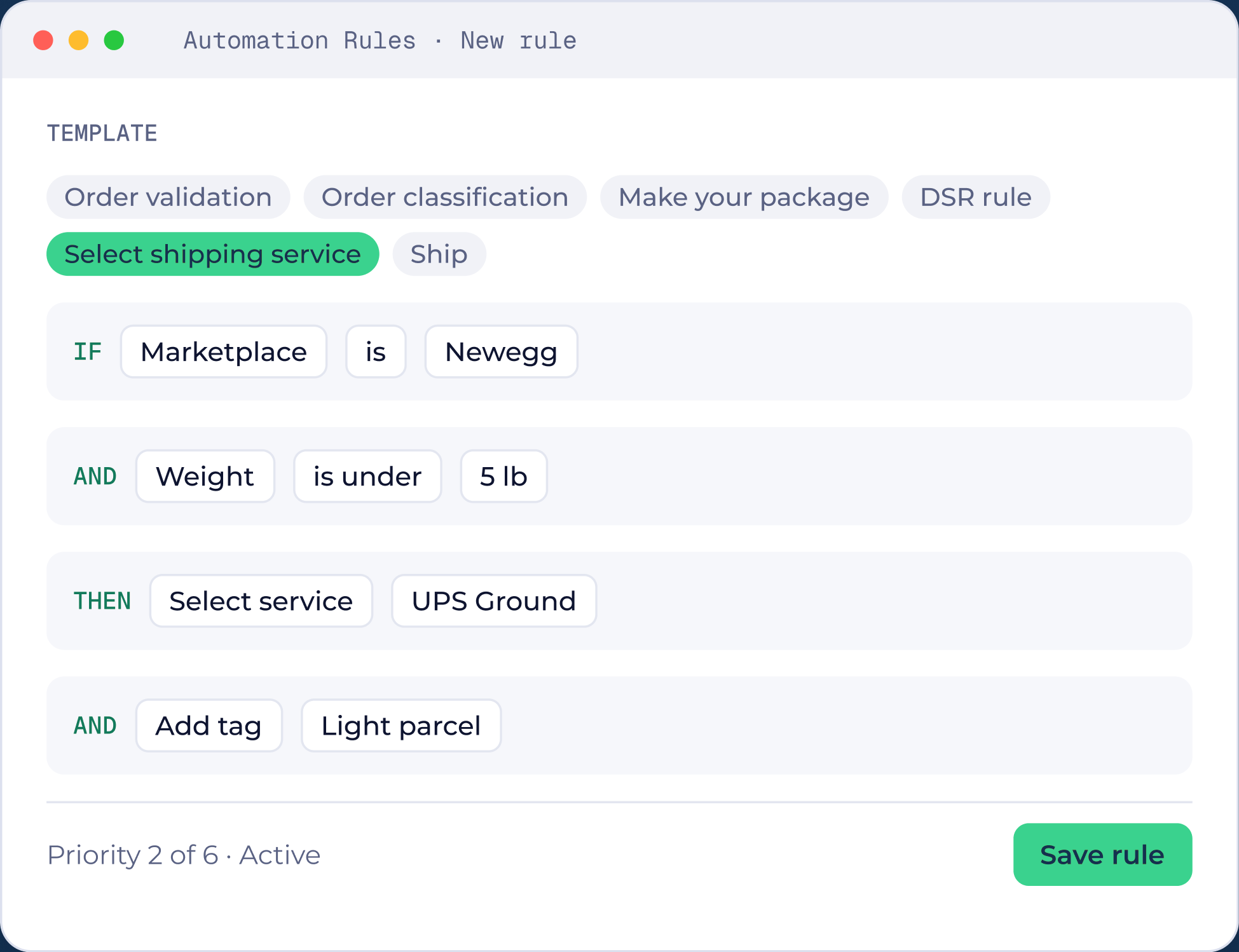
Pick a template
Order validation, order classification, make your package, DSR rule, select shipping service or ship.
Add conditions
For example, if the marketplace is Newegg and the weight is under 5 lb.
Set the action
Select a service, add a tag, and place the rule in your priority order.
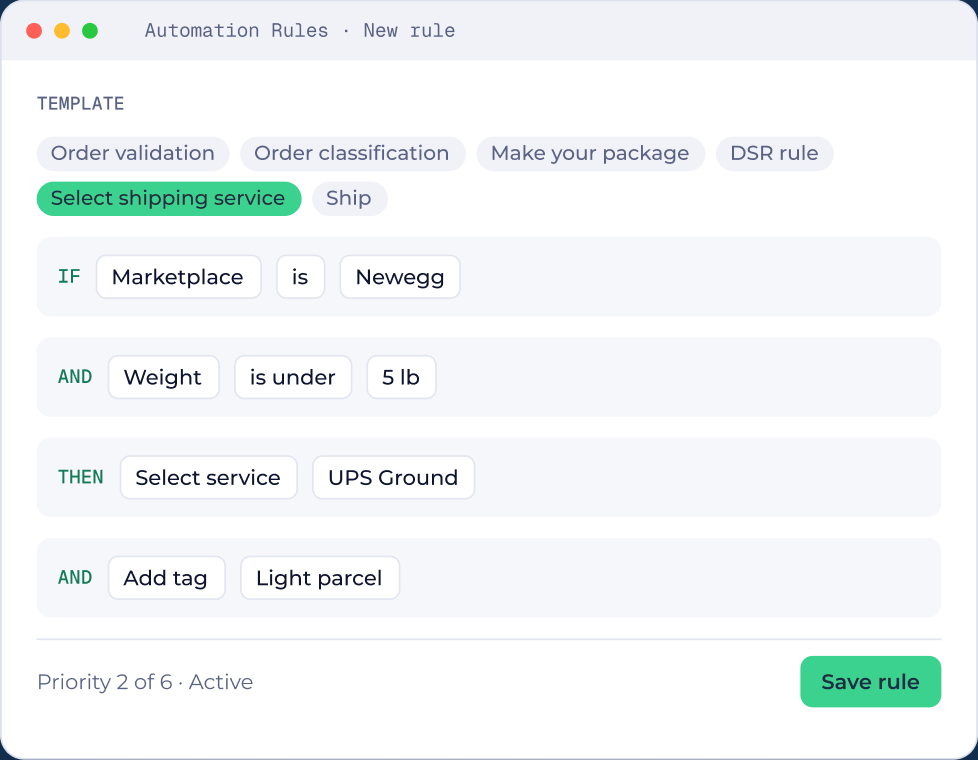
Pick a template
Order validation, classification, make your package, DSR rule, select service or ship.
Add conditions
For example, marketplace is Newegg and weight is under 5 lb.
Set the action
Select a service, add a tag, and set its priority.
Why teams use it
Small change, big difference on the floor.

Fewer clicks per order
Fewer clicks per order
Orders that always ship the same way are ready before anyone opens them.Orders are ready before anyone opens them.

The same choice every time
The same choice every time
Rules make the decision, so results do not depend on who is packing today.Results do not depend on who is packing.

Tags you can filter by
Tags you can filter by
Rules can tag orders, so the right ones are easy to find on Shipments.The right orders are easy to find.

Clear priority order
Clear priority order
When several rules match, priority decides which one wins.When rules match, priority decides.
Questions
Automation rules questions.
Rules can validate and classify orders, build the package, assign carrier services, tag each order, and ship it automatically. Before you set a service rule, you can compare live UPS, FedEx and USPS rates for each package.
More from ShipNest.

Rate shopping
Live rates from your own carrier accounts.
Compare live carrier rates before you buy →
Scan to verify
A scan for every box before pickup.
Every box scanned before pickup →
PrintWise
PDF and ZPL printing on Windows.
Print PDF and ZPL labels on Windows →
Returns
Return labels linked to the original order.
Create return labels linked to the order →
See ShipNest in 20 minutes.
A live walkthrough of ShipNest, from new order to scanned box, with time for your questions.