What’s new in ShipNest this October
New filters on Shipments, faster label scans and clearer print job statuses.


October brings new filters on Shipments, faster label scans and clearer print job statuses. Here is what changed this month.
New filters on Shipments
You can now filter the Shipments list by store, carrier, service and ship date at the same time, and save the combination as a view. Teams that split work by marketplace can keep one view per person and skip the setup every morning.
Faster label scans
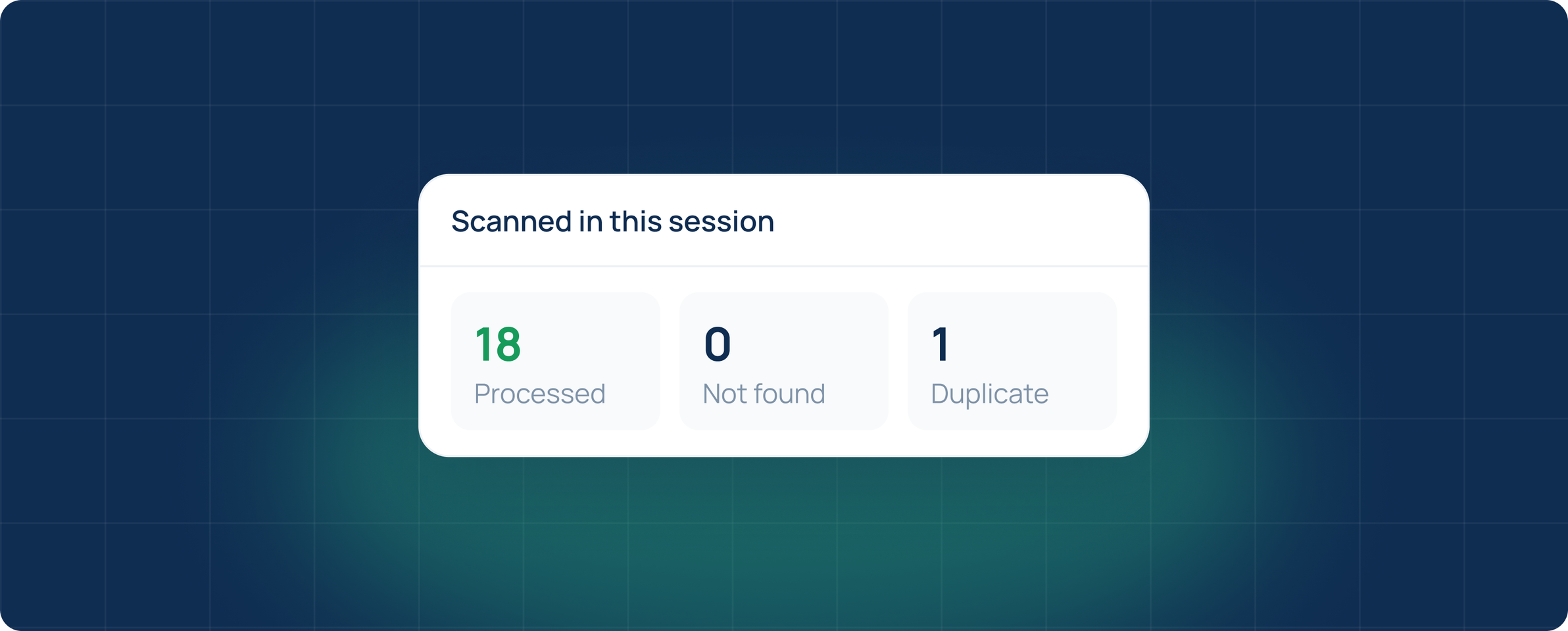
Scan Labels now confirms a scan in a fraction of a second, even on long pickup lists. Duplicate scans are flagged with the time of the first scan, so it is easy to tell a double scan from a real problem.
Clearer print job statuses
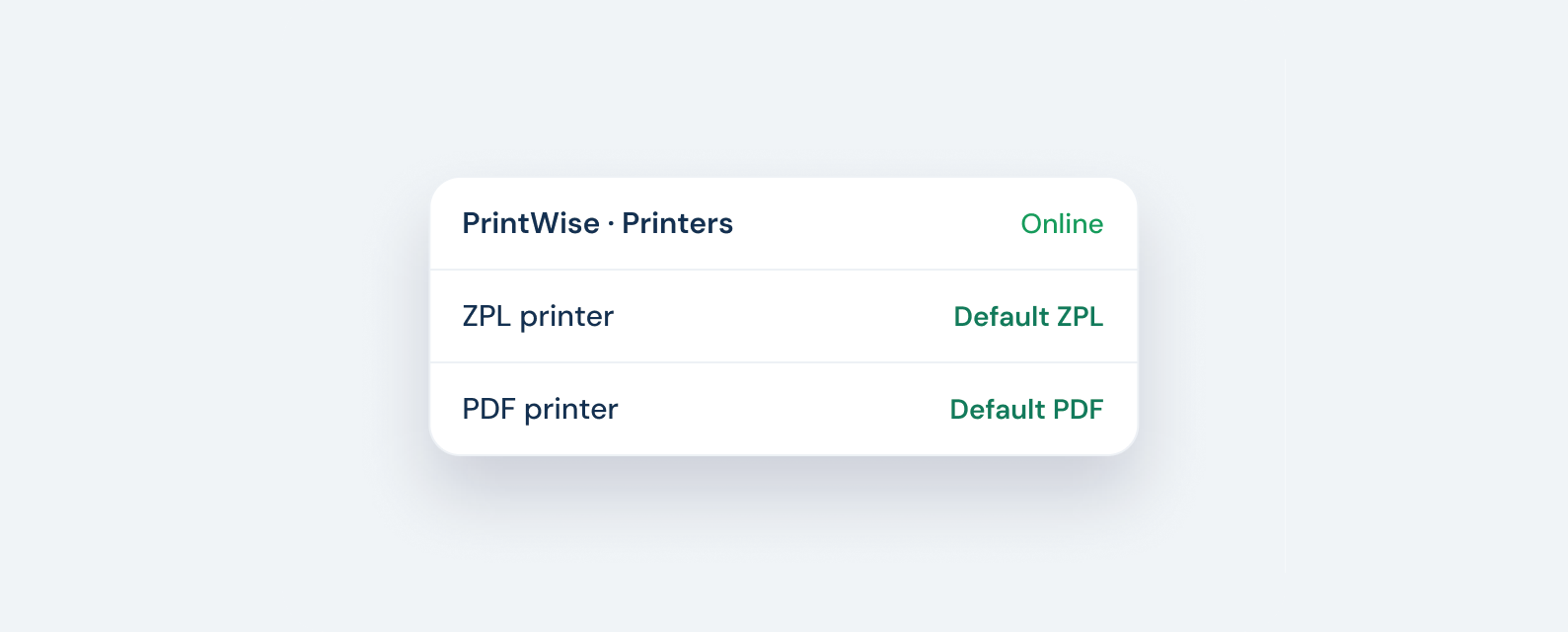
PrintWise jobs now show queued, printing, done or failed with the printer name next to each one. Failed jobs explain why, for example when a printer is offline or out of labels, and can be reprinted from the order in one click.