Warehouse roles: give packers only what they need
Keep settings and carrier credentials out of reach while the floor keeps scanning.

The people packing boxes do not need to see carrier credentials, billing or store settings. Warehouse roles give the floor exactly what it needs to keep shipping, and nothing else.
What the Warehouse role sees
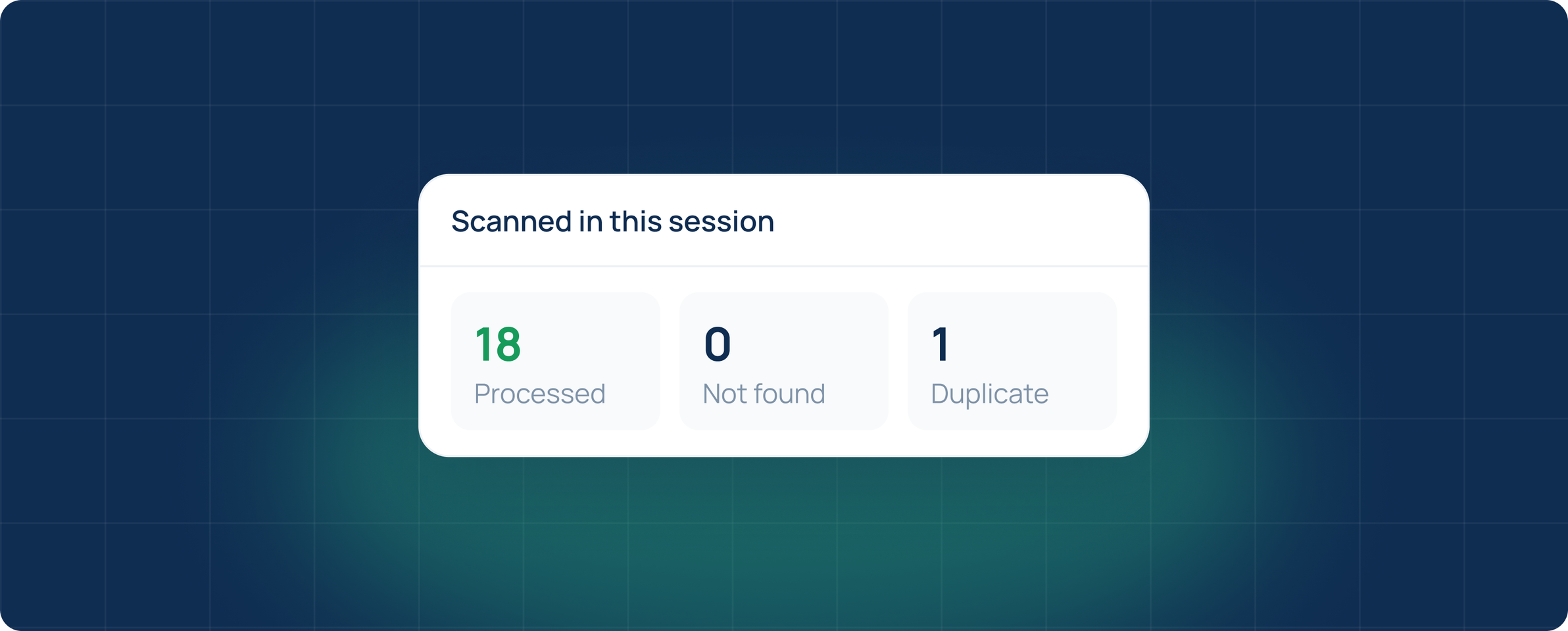
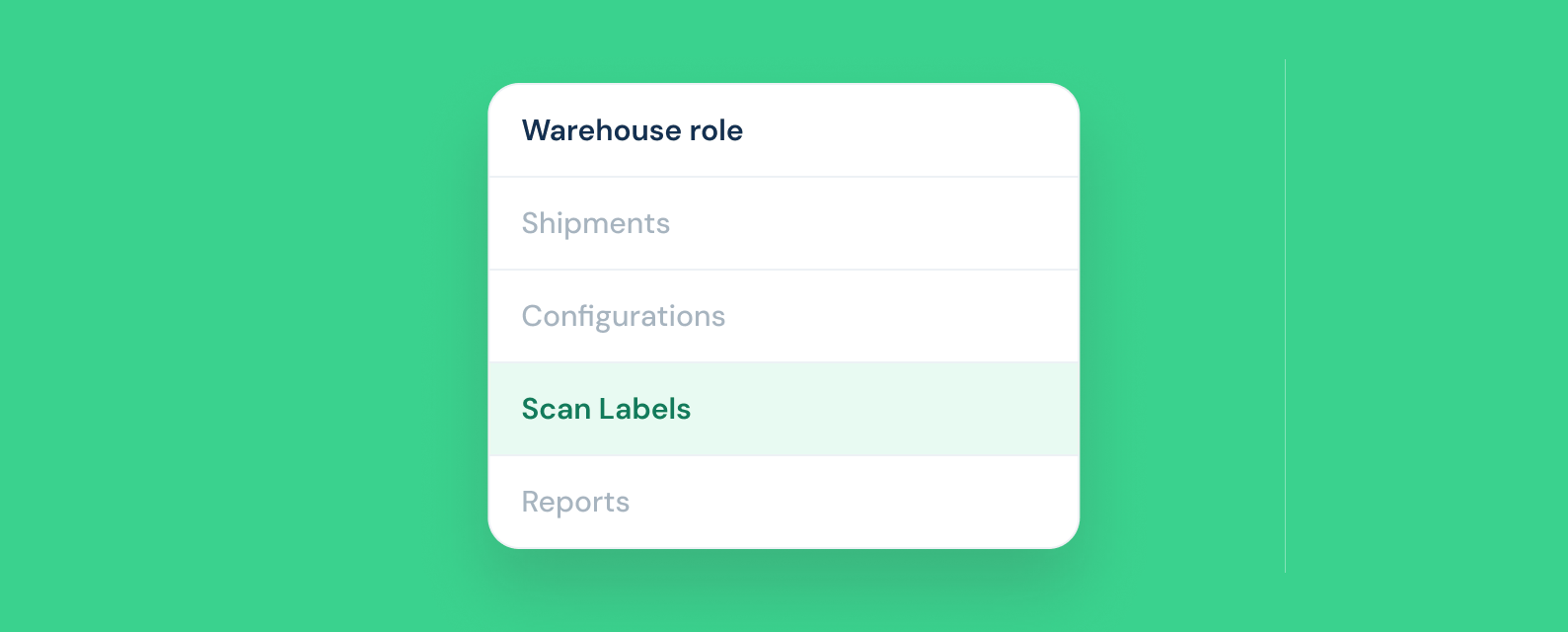
A user with the Warehouse role opens ShipNest straight into Scan Labels. They can scan tracking numbers before pickup and see how many boxes are processed, not found or duplicated. Shipments, Configurations and Reports stay hidden.
Setting up roles
Admins invite users from Settings and pick a role for each one. Owners and admins manage stores, carriers and billing. Shippers create shipments and buy labels. Warehouse users scan. You can change a role at any time and it applies the next time the user loads a page.
- Give every packer their own login instead of sharing one account.
- Keep carrier accounts and API keys with admins only.
- Review the user list when someone leaves the team.
Because every scan is tied to a named user, you can see who scanned what and when. That makes it simple to follow up on a mis-ship without guessing who was on the dock that afternoon.